Introduction
Landbot is a no-code chatbot platform for building conversational experiences. A small business can use it to structure conversations, collect information, and pass people through a defined flow. The most useful starting point is a clear business task, followed by a manageable conversation design and careful testing.
Choose a Starting Approach
Begin by choosing the channel and the kind of conversation you need. Landbot supports Web, WhatsApp, Facebook Messenger, and API-based channels, so the intended audience and contact point should guide the choice.
You can start a bot from a generated draft, from scratch, or from a template. A generated draft or template can provide an initial structure, while starting from scratch can suit a narrowly defined workflow. Review the starting option against the task rather than treating it as a finished solution.
Next, choose between an AI Agent, a rule-based chatbot, or a flow that combines those approaches. Keep the first project focused on one useful journey. A clear scope makes the flow easier to inspect, test, and revise.
Design the Conversation Flow
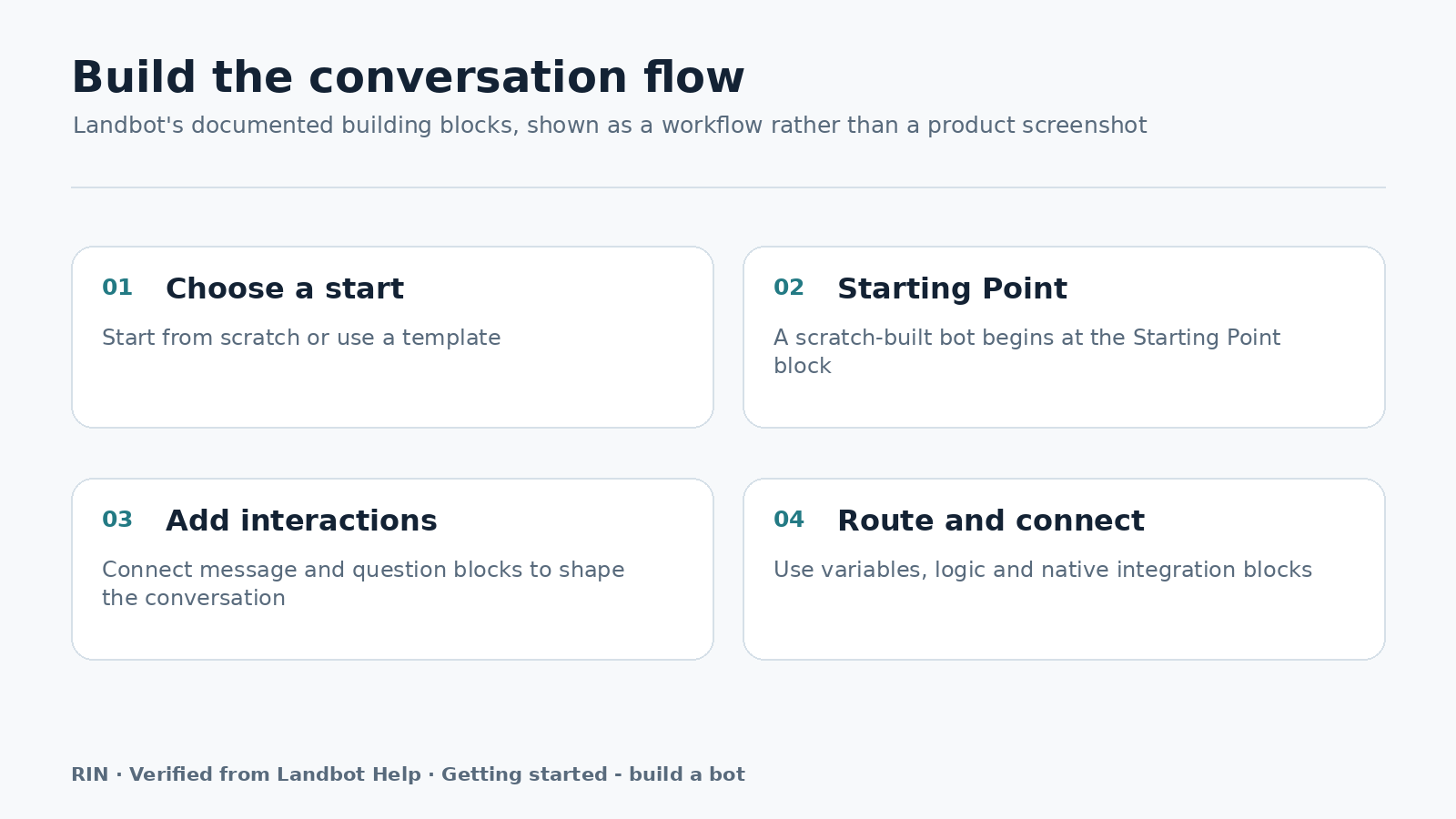
Every bot flow begins from a Starting Point and is assembled with blocks in a visual builder. Map the conversation before filling in every message. Write down the opening, the information the person must provide, the possible paths, and the intended next step for each path.
Use Message blocks to present information. Use Question blocks to collect input into variables. Use Logic blocks to route the conversation. This division gives the team a practical way to review whether each block has a clear purpose.
Keep each path understandable. If a decision creates separate outcomes, represent those outcomes with Logic blocks and make the following message or question appropriate to that route. Bricks can help organize and reuse groups of blocks inside bot projects when a group of steps appears in more than one flow.
Capture and Route Information
Decide what information is genuinely needed before adding Question blocks. Each question should support the workflow and store its input in a variable that later steps can use. Avoid collecting information merely because the builder makes it possible.
Plan the route after each important answer. Logic blocks can direct a conversation based on the information collected, allowing different responses or next steps within the same bot. Write the expected routes in plain language first, then assemble them visually.
For a small team, document the meaning of each collected variable and the route it supports. This makes later review easier and helps prevent questions, messages, and Logic blocks from becoming disconnected parts of the flow.
Connect Business Tools
Choose the connection method based on the system the workflow must reach. Native integration blocks connect supported business tools, including Google Sheets workflows. Use a native integration when the required tool is supported by an available integration block.
The Webhook block is a different option. It can connect other systems that expose a REST API when a native integration is not available. Treat this as a separate connection path during planning, and identify which part of the conversation should send information onward.
Keep the connection question specific: what information should leave the bot, at which point, and which route should follow? The verified capabilities describe these connection options, but the business team should still document the intended handoff before building it.
Test Before Launch
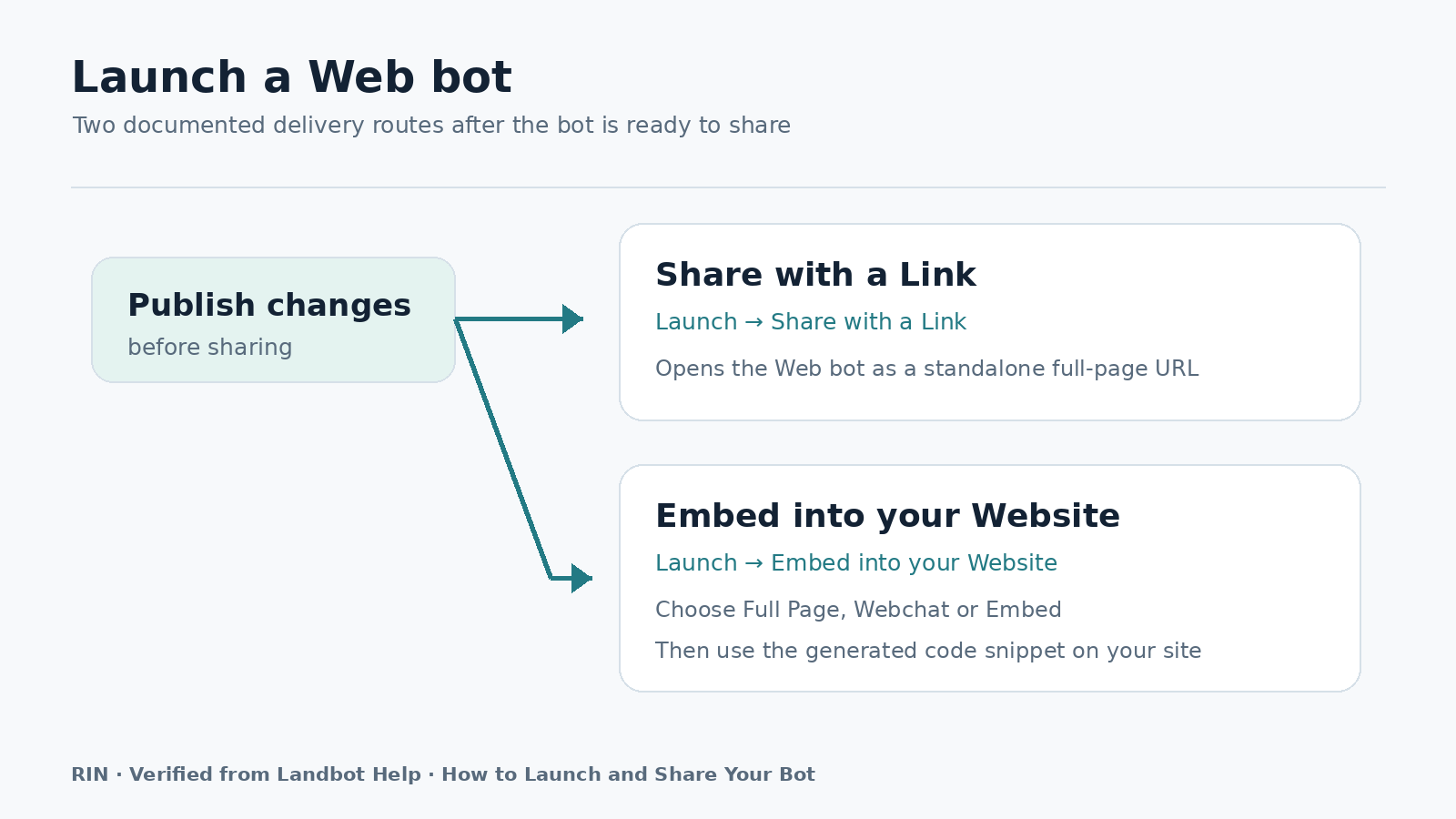
Use the builder’s preview and testing support before publishing the flow. Walk through the expected route from the Starting Point, then check alternative answers and routes created by Logic blocks.
Confirm that Message blocks show the intended information, Question blocks collect the required input into variables, and connected steps sit in the correct place. Test the paths that use native integration blocks separately from paths that use a Webhook block.
Revise unclear wording, unnecessary questions, and misplaced routes before publishing. A small team can make this review practical by assigning one person to follow the conversation and another to compare the result with the planned map.
Who It Is For
Landbot may fit a small business that wants to build conversational experiences without coding as its primary building method. It can suit a team that has a defined conversation to organize, information to collect, or routes to manage across a supported channel.
It is especially worth considering when the team can describe its workflow clearly and is prepared to maintain the bot’s messages, questions, logic, and connections. The choice should depend on the business task and the required channel, not simply on the availability of a template or generated draft.
Practical Considerations
Keep ownership clear. Someone should be responsible for the flow map, the collected variables, the routes, and the connected tools. Bricks can help keep repeated groups of blocks organized and reusable, but they do not replace a clear plan.
Separate conversation design from connection planning. First confirm what the person should see and provide. Then decide whether the next business step uses a native integration block or a Webhook block for a system exposing a REST API.
Revisit the flow whenever the business process changes. Preview and testing should remain part of that review, especially after changing a Question block, a Logic block, or a connection. Keep the workflow focused so the team can understand and maintain it.
Conclusion
A sensible Landbot project starts with a focused task and a suitable channel. Choose a starting approach, map the flow from its Starting Point, collect only useful information, route it deliberately, and select the appropriate connection option. Preview and test before publishing, then decide whether the workflow remains clear and manageable for the team.