Browse AI and Octoparse both help you extract structured website data without building a scraper from scratch, but they are designed around different priorities.
Browse AI is the simpler choice when your main goal is unattended monitoring and lightweight automation. You train a robot, capture the fields you need, then add monitoring or an integration.
Octoparse is closer to a dedicated visual web-scraping application. It offers deeper control over scraping workflows, but its free tier is centered on local execution, while cloud scheduling is a paid capability.
Short answer: Choose Browse AI if you want the fastest route to recurring monitoring with minimal setup. Choose Octoparse if you want more granular scraping control and are comfortable using a desktop scraper or paying for cloud automation.
Browse AI vs Octoparse at a glance
| Area | Browse AI | Octoparse |
|---|---|---|
| Best fit | Simple extraction, monitoring, automation | More configurable visual scraping |
| Free plan | 50 credits/month, 2 websites, unlimited robots | 10 tasks, local execution, up to 50,000 exported rows/month |
| Scheduled runs on free plan | Monitoring available | Not included |
| Cloud execution | Service-based monitoring | Paid Octoparse plans |
| Google Sheets | Platform integration available | Direct cloud export listed on higher paid tiers |
| Learning curve | Lower for basic monitoring | Higher, with more control |
Pricing and plan limits change, so always verify the current terms before buying. The details in this comparison were checked against official product documentation in August 2026.
Who this is for
This comparison is for small teams choosing between a lighter monitoring workflow and a more configurable visual scraper.
Choose based on the job you need to run repeatedly, not on the length of each product’s feature list.
The biggest difference: automation on the free plan
Browse AI Free
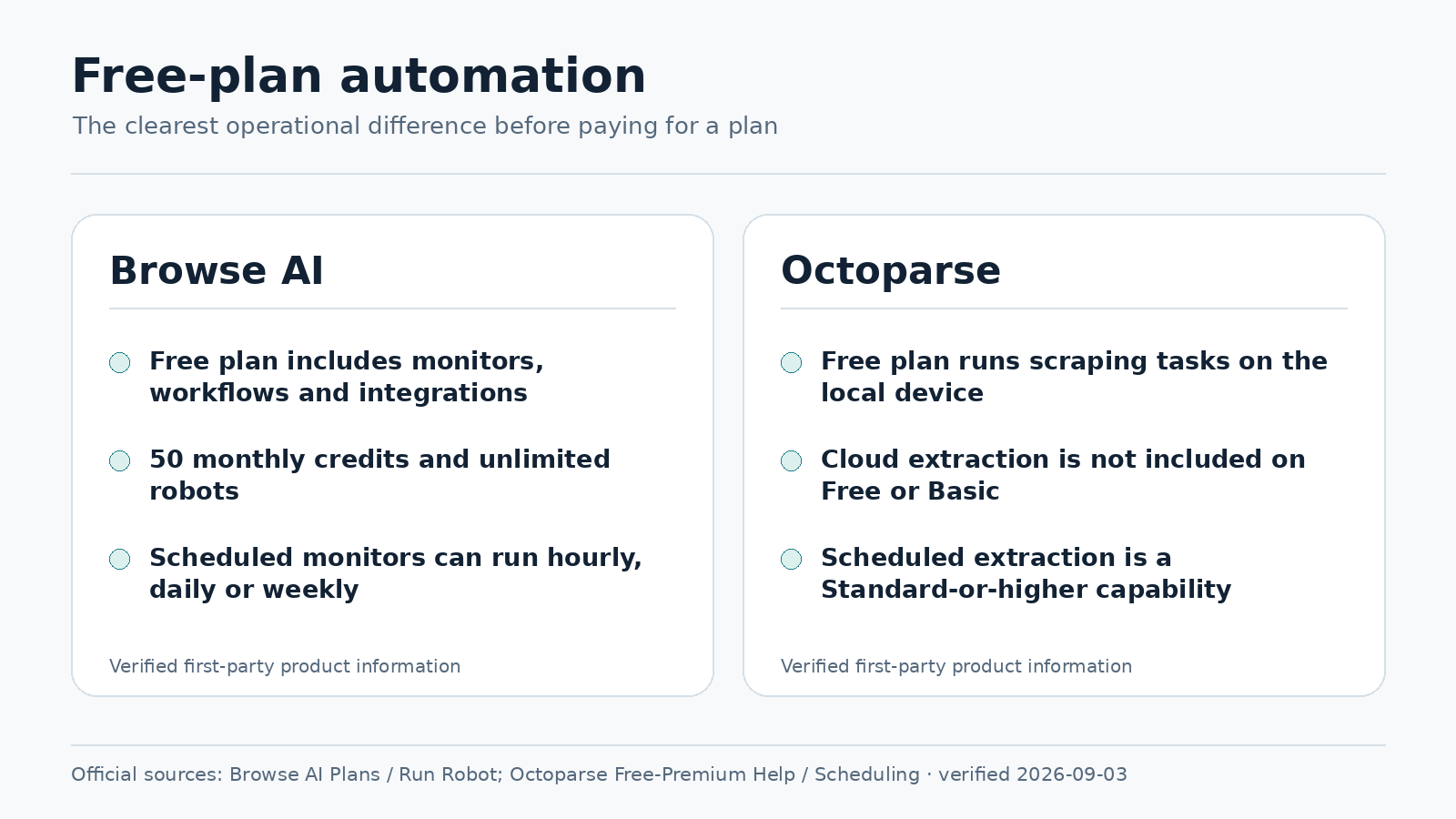
Browse AI currently lists a Free plan with 50 credits per month, two websites, unlimited robots, and access to monitoring and integrations. Its free monitoring interval can be as frequent as hourly.
That makes a small recurring workflow realistic without paying immediately. For example:
competitor page → extract product and price → check daily → send useful changes to another tool
Octoparse Free
Octoparse currently gives free users up to 10 tasks, local extraction, and relatively generous export limits, including up to 50,000 exported rows per month.
The tradeoff is automation: free tasks run locally, and scheduled cloud execution is not part of the Free plan. Premium plans add cloud extraction and scheduling.
This creates a useful rule of thumb: Browse AI Free gives you less volume but more unattended automation; Octoparse Free gives you more manual extraction capacity but less hands-off operation.
Which is easier to set up?
Browse AI usually has the shorter path for basic monitoring:
- Create a robot.
- Open the target site.
- Point and click the fields you want.
- Test the extraction.
- Add a monitor.
- Connect an integration if needed.
Octoparse also provides a visual workflow, but it exposes more scraping concepts such as loops, pagination, click actions, conditions, task settings, and local versus cloud execution.
That extra control is useful on complicated websites, but it also creates a steeper learning curve.
Winner for setup simplicity: Browse AI
If scraping is only a means to an end and you mainly want a spreadsheet or alert kept up to date, Browse AI is usually easier to approach.
Which is better for competitor-price monitoring?
Both tools can monitor prices, but Browse AI makes monitoring feel like a first-class workflow. You can train a robot on a product or category page and schedule recurring checks.
Octoparse can also perform recurring price-monitoring jobs, but automated scheduling is tied to its paid cloud workflow.
Winner for a small recurring tracker: Browse AI
If your requirement is simply “check this page once per day,” Browse AI has the cleaner starting point. If the website requires complex navigation or more advanced extraction logic, Octoparse becomes more attractive.
Google Sheets integration
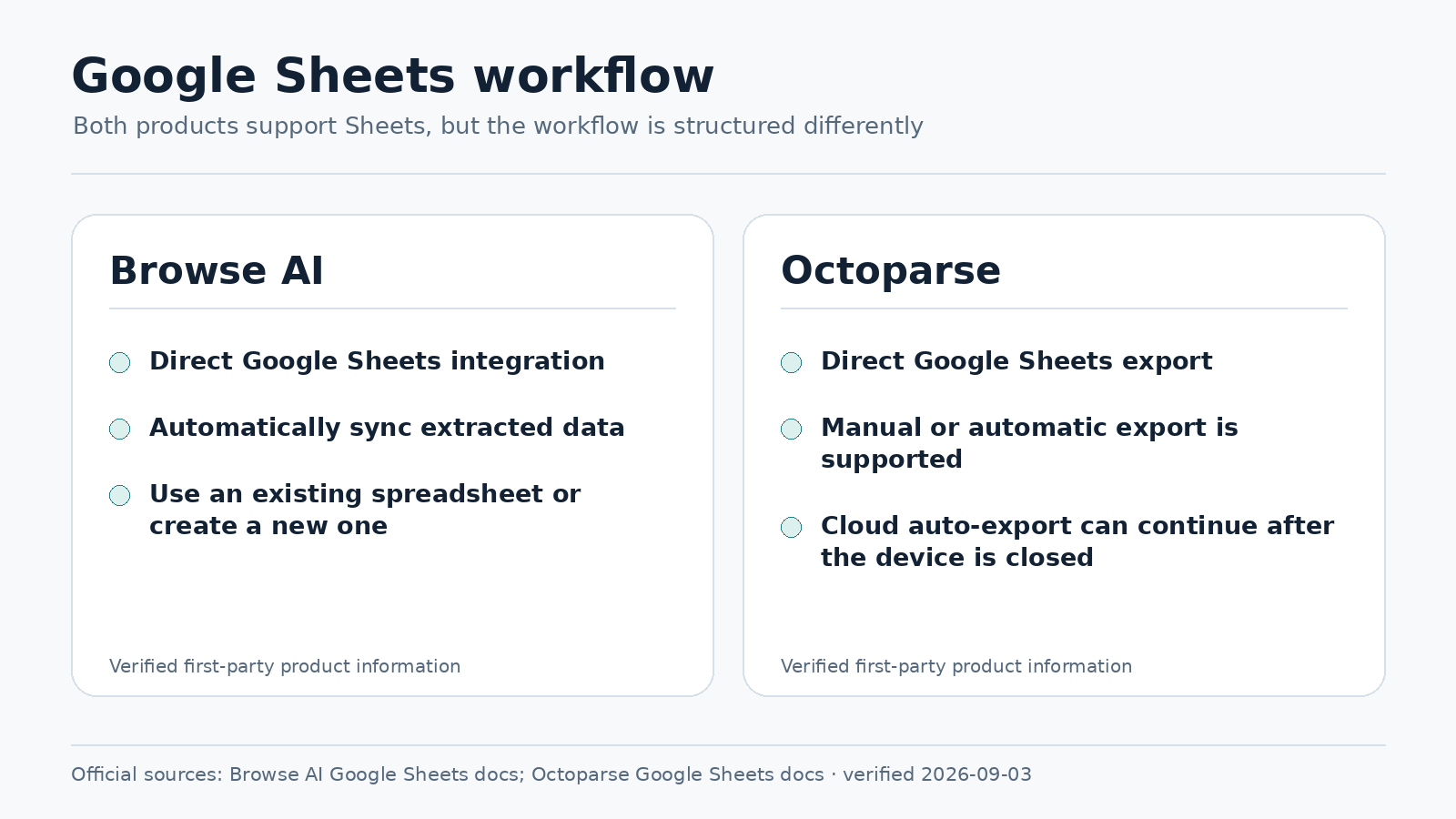
Browse AI fits naturally into a lightweight spreadsheet workflow:
website → Browse AI → monitor → Google Sheets
That is useful for small teams because Sheets can handle formulas, filters, conditional formatting, and simple reporting without a custom database application.
Octoparse supports file exports on its free tier and offers stronger automatic/cloud export options on paid plans. Its current pricing information lists direct integrations such as Google Sheets on higher tiers.
Winner for simple Sheets automation: Browse AI
Which is better for complex scraping?
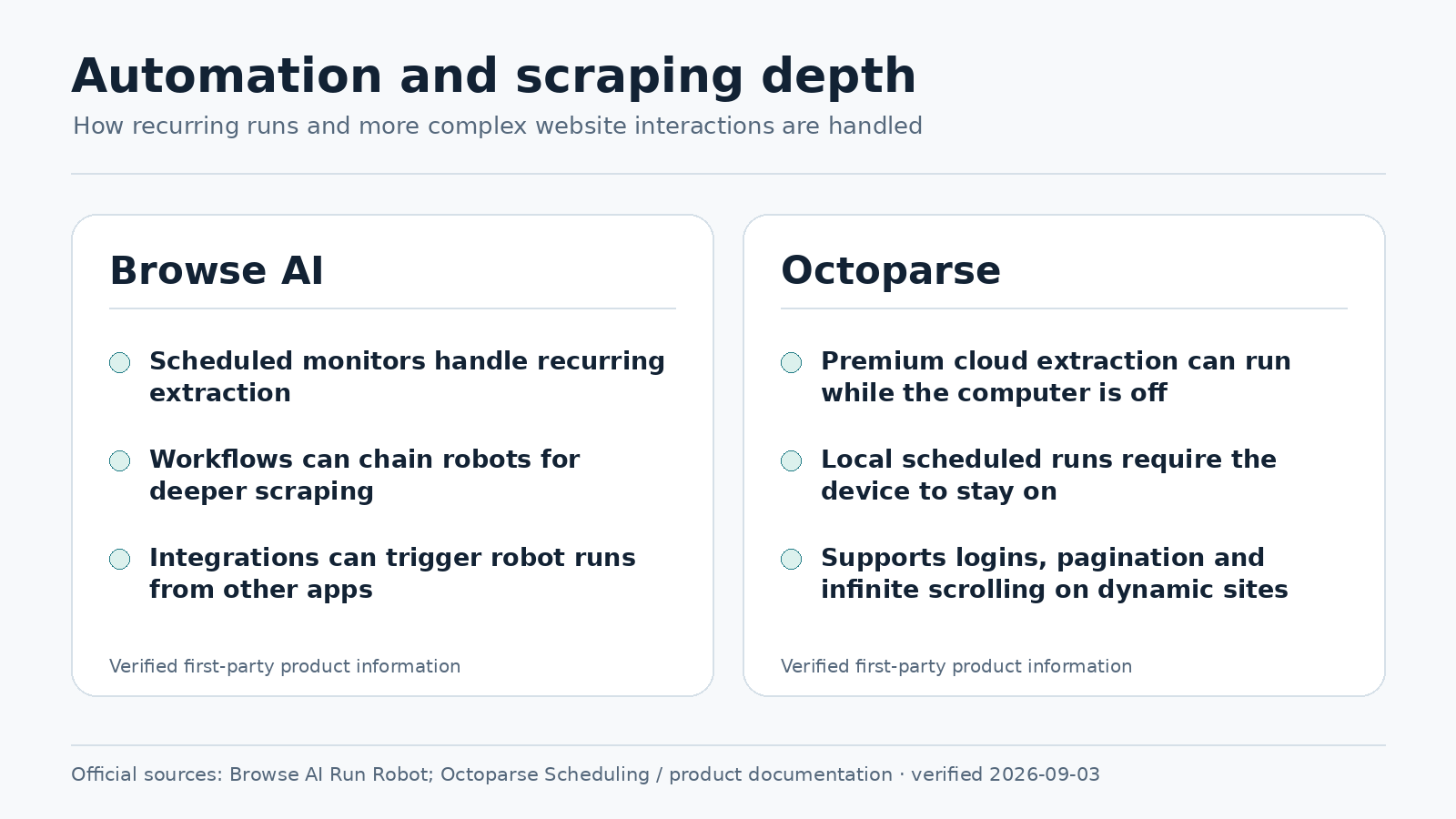
This is where Octoparse can pull ahead. A dedicated scraper is useful when you need several levels of pagination, complex click sequences, conditional extraction, large jobs, or many separately managed tasks.
Octoparse’s paid plans also emphasize cloud concurrency, IP rotation, residential proxies, and automatic CAPTCHA handling. Those features matter more when scraping becomes an operational capability rather than a small side automation.
Winner for deeper control: Octoparse
Which one keeps working when your PC is off?
Octoparse Free runs tasks on local devices, so a free task is not continuing in the cloud while your computer is shut down. Paid plans add cloud extraction and scheduling.
Browse AI’s monitoring model is service-based, so it is easier to test a PC-independent recurring workflow.
Winner for unattended testing: Browse AI
Choose Browse AI if…
- you mainly want recurring monitoring;
- you want a simple Google Sheets workflow;
- you want to test scheduled automation cheaply;
- you monitor only a small number of websites;
- you prefer a simple robot-style setup.
Choose Octoparse if…
- you want more control over scraping logic;
- you need larger occasional exports;
- you are comfortable learning a more advanced interface;
- you expect to pay for cloud scraping;
- scraping itself is becoming an important capability for your business.
Example: tracking five competitor sites
Five competitor websites exceed Browse AI’s current two-website Free limit, so a paid plan would likely be required even if the extraction itself is lightweight.
Octoparse Free can fit five tasks from a task-count perspective, but those tasks still run locally and cannot be scheduled in the free tier.
This is why comparing only the number of robots or tasks is misleading. The better question is: how will the work run every day?
Example: one large occasional export
If you need to extract thousands of rows occasionally and do not care about automatic monitoring, Octoparse Free becomes much more attractive. Its export allowance can be more useful than Browse AI’s smaller credit pool when manual execution is acceptable.
Reliability and maintenance
No-code scraping still needs maintenance. Websites change, page layouts move, pagination changes, and anti-bot systems can become stricter.
For any business workflow, check that the task ran, returned roughly the expected number of records, and did not suddenly produce blank or malformed fields.
Practical considerations
Before choosing either tool, test the exact pages you plan to collect, confirm whether the workflow must run while your computer is off, and estimate how often maintenance will be required.
Plan limits and export options can change, so verify the current official pricing pages before treating a free-tier comparison as a long-term operating assumption.
A note about website rules
A scraping tool does not remove your responsibility to use data appropriately. Consider the target site’s terms, access restrictions, applicable law, personal information, copyright and database rights, and the request volume you generate.
Bottom line
Browse AI is the better starting point for a small business that wants lightweight, unattended web monitoring.
Octoparse is the better starting point for someone who wants a deeper visual scraping tool and more control over extraction.
The free plans summarize the difference well: Browse AI offers a smaller usage allowance with monitoring available, while Octoparse offers more manual extraction capacity but keeps scheduled cloud execution on paid plans.
So the deciding question is not “Which scraper has more features?” It is:
Do I want to build and manage scrapers, or do I want a small automation to keep running without me?
Features and pricing in this comparison were checked against Browse AI and Octoparse official documentation in August 2026. Pricing, quotas, and plan features can change, so verify current terms before choosing a paid plan.